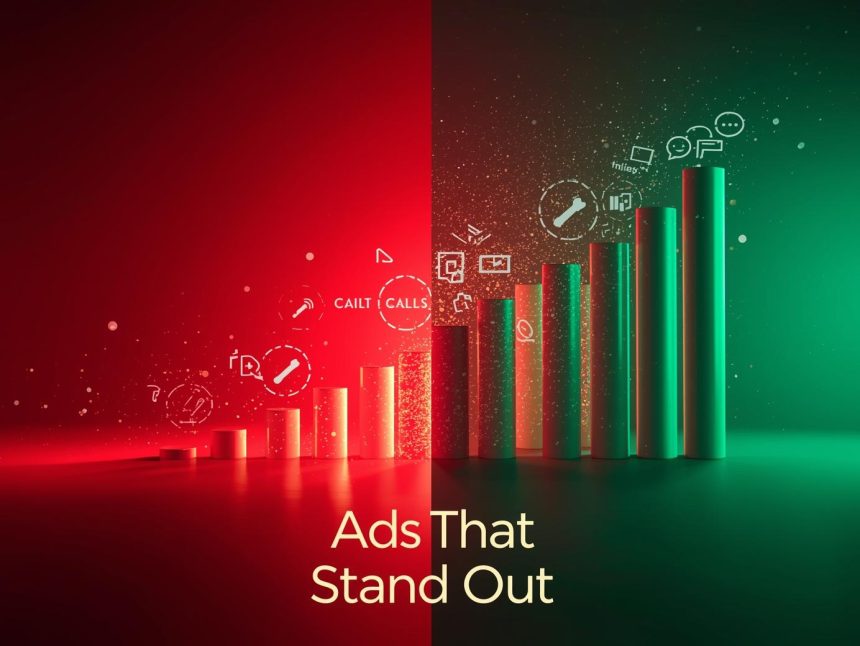
In the competitive landscape of digital advertising, capturing user attention is paramount. Google Ads provides a powerful feature known as ad extensions, which enhance your ads by offering additional information, thereby increasing their visibility and engagement potential. By effectively utilizing ad extensions, businesses can improve their ad performance, achieve higher click-through rates (CTR), and ultimately enhance their return on investment (ROI) .
1. What Are Ad Extensions?
Ad extensions are supplementary pieces of information that expand your Google Ads, providing users with more reasons to interact with your business. These extensions can include additional links, contact details, promotions, and more. They are free to add and can significantly improve your ad’s visibility and effectiveness .
2. Benefits of Using Ad Extensions
- Increased Visibility: Ad extensions make your ads larger and more prominent on the search results page, helping you stand out from competitors.
- Improved CTR: By providing more relevant information, ad extensions can lead to higher click-through rates.(en.wikipedia.org)
- Enhanced User Experience: Users receive more information upfront, which can lead to more qualified clicks.
- Better Ad Rank: Google considers the use of ad extensions when determining Ad Rank, potentially lowering your cost per click .
3. Types of Ad Extensions
a. Sitelink Extensions
These allow you to add additional links to your ad, directing users to specific pages on your website, such as product pages or contact forms. This helps users find what they’re looking for more quickly .
b. Callout Extensions
Callout extensions let you add short, descriptive text to your ad, highlighting key selling points like “Free Shipping” or “24/7 Customer Support.” These are not clickable but provide valuable information .
c. Structured Snippet Extensions
These provide specific details about your products or services, such as “Types: Sedan, SUV, Truck,” giving users a better understanding of your offerings .
d. Call Extensions
A call extension allows you to add a phone number to your ad, making it easier for customers to reach you. This is particularly useful for mobile users .(shopify.com)
e. Location Extensions
Location extensions let you add your business address to your ad. They can help customers find you if you operate a physical storefront .(shopify.com)
f. Image Extensions
Image extensions allow you to add visuals to your text ads, making them more engaging and helping to showcase your products or services effectively .
g. Promotion Extensions
These highlight special sales or offers, such as “20% off” or “Buy one, get one free,” attracting users looking for deals .(shopify.com)
h. App Extensions
App extensions provide a direct link to download your mobile app, making it easier for users to access your application directly from the ad .
4. Best Practices for Implementing Ad Extensions
- Use Relevant Extensions: Choose extensions that align with your business goals and provide value to your target audience.
- Provide Accurate Information: Ensure all details in your extensions are up-to-date and accurate to maintain credibility.
- Test Different Extensions: Experiment with various extension types to see which combinations yield the best results.
- Monitor Performance: Regularly review the performance of your ad extensions and make adjustments as needed to optimize results .
5. Measuring the Impact of Ad Extensions
To assess the effectiveness of your ad extensions, monitor key metrics such as:
- Impressions: How often your ad with extensions is shown.
- Clicks: The number of times users click on your ad or its extensions.
- Click-Through Rate (CTR): The ratio of clicks to impressions, indicating how compelling your ad is.
- Conversion Rate: The percentage of clicks that result in desired actions, like purchases or sign-ups.
By analyzing these metrics, you can determine which extensions are most effective and refine your strategy accordingly .
Note
Ad extensions are a valuable tool in enhancing your Google Ads campaigns. They provide additional information, improve visibility, and can lead to higher engagement and conversions. By understanding the different types of ad extensions and implementing best practices, businesses can create more effective ads that resonate with their target audience.
More Read

References
- Shopify. (n.d.). A Complete Guide to Google Ad Extensions. Retrieved from https://www.shopify.com/blog/google-ad-extensions(shopify.com)
- WordStream. (2022, July 25). 19 Google Ads Extensions to Boost Your CTR (+Examples). Retrieved from https://www.wordstream.com/blog/ws/2022/07/25/google-ads-extensions-guide(wordstream.com)
- Instapage. (n.d.). 18 Google Ads Extensions That Will Help You Generate More Sales. Retrieved from https://instapage.com/blog/how-ads-extensions-generate-sales/(instapage.com)
- Search Engine Journal. (2024, April 16). 12 Types Of Google Ads Extensions, Now Assets. Retrieved from https://www.searchenginejournal.com/using-google-ad-extensions/26199/(searchenginejournal.com)
- New Path Digital. (2025, January 13). Why Do Search Ad Extensions Matter in Google Ads. Retrieved from https://newpathdigital.com/why-do-search-ad-extensions-matter-in-google-ads/(newpathdigital.com)
- Mailchimp. (n.d.). Google Ad Extensions 101. Retrieved from https://mailchimp.com/marketing-glossary/ad-extensions/(mailchimp.com)
- LinkedIn. (2024, January 26). What is the role of ad extensions, and how can they enhance the performance of my ads?. Retrieved from https://www.linkedin.com/pulse/what-role-ad-extensions-how-can-enhance-performance-my-rumpa-roy-5xjbf(linkedin.com)
- Perrill Marketing. (n.d.). Benefits of Using Google Search Ads Extensions. Retrieved from https://www.perrill.com/benefits-of-using-google-ads-extensions/(perrill.com)